

Quick Jumplinks to Navigate
A trip to Europe can involve several countries, currencies, languages and internal transfers. You may need to find a railway platform in Paris, navigate a new neighbourhood in Rome, translate a menu in Germany or check an unexpected train delay in Switzerland.
Your phone can handle many of these tasks. But downloading the right apps before leaving India can make the trip much easier.
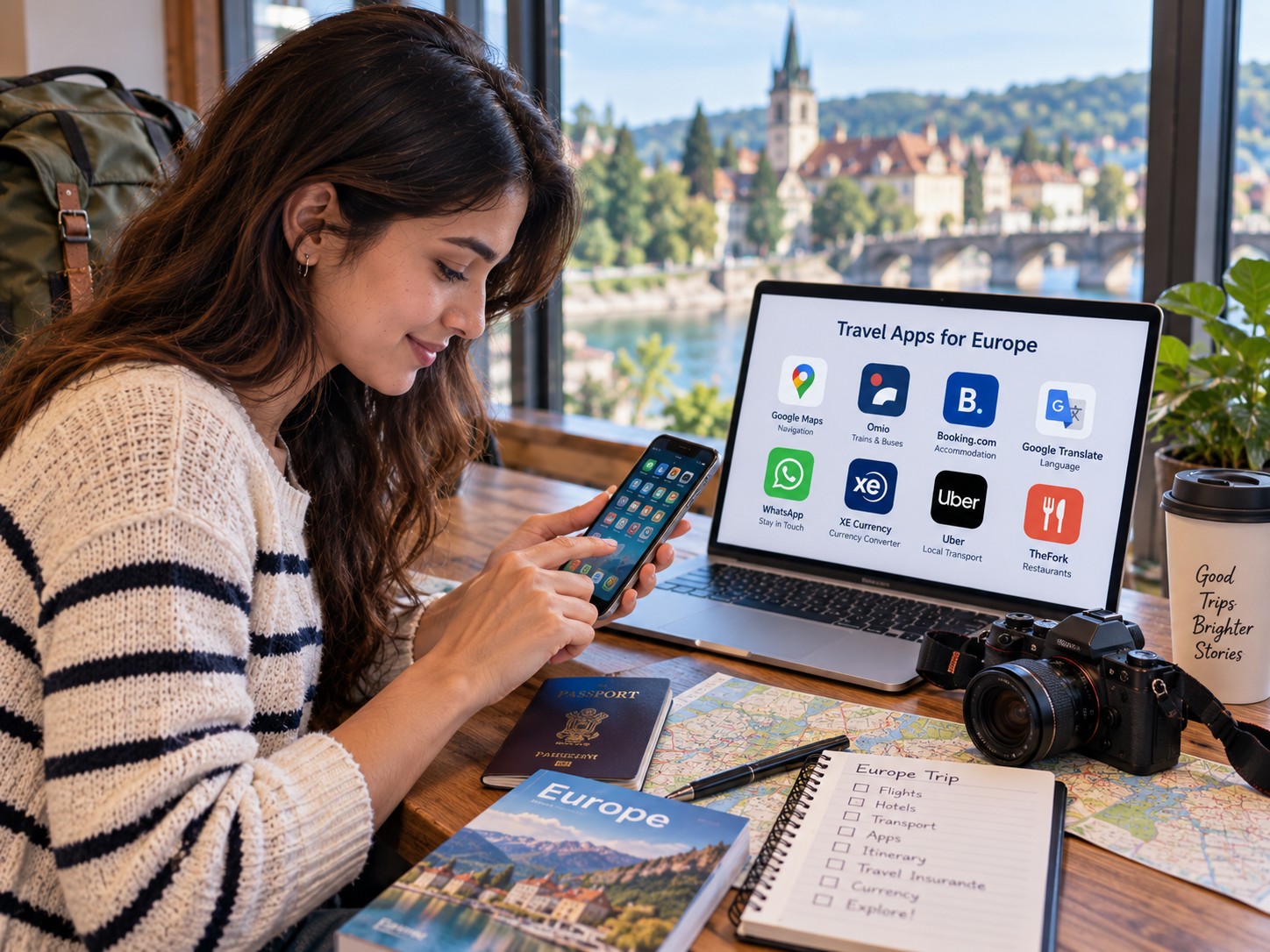
You do not need dozens of travel apps for your Europe trip. A small set covering navigation, transport, translation, money, bookings and emergencies is usually enough. Recent European travel guidance also highlights navigation, public transport, translation, travel bookings and digital travel formalities as some of the most useful app categories for visitors
Whether you’re travelling on a Europe honeymoon package, a solo trip or a longer multi-country itinerary, these apps make each stage of the journey easier.
Here are the essential apps worth preparing before your Europe holiday.
Google Maps for Navigation

Google Maps should be one of the first apps on your phone.
You can use it to find hotels, restaurants, attractions, railway stations, supermarkets and airports. It also provides walking, driving and public transport directions to help you navigate through European destinations. This is useful whether you are travelling independently or as part of an Europe group tour, where sightseeing time is often shared among the group.
Its offline maps feature is particularly useful for international travellers. You can download a city map before leaving your hotel or home Wi-Fi.
If your internet connection disappears, you can still use downloaded maps for navigation. However, Google notes that offline maps have limitations. Live traffic information, alternative routes, and public transport directions require an internet connection.
Download maps for:
- Your arrival city
- Every city where you will stay
- Major day-trip destinations
- Airport areas
- Remote places on your itinerary
Also save your hotels and important attractions in Google Maps.
Citymapper for Public Transport
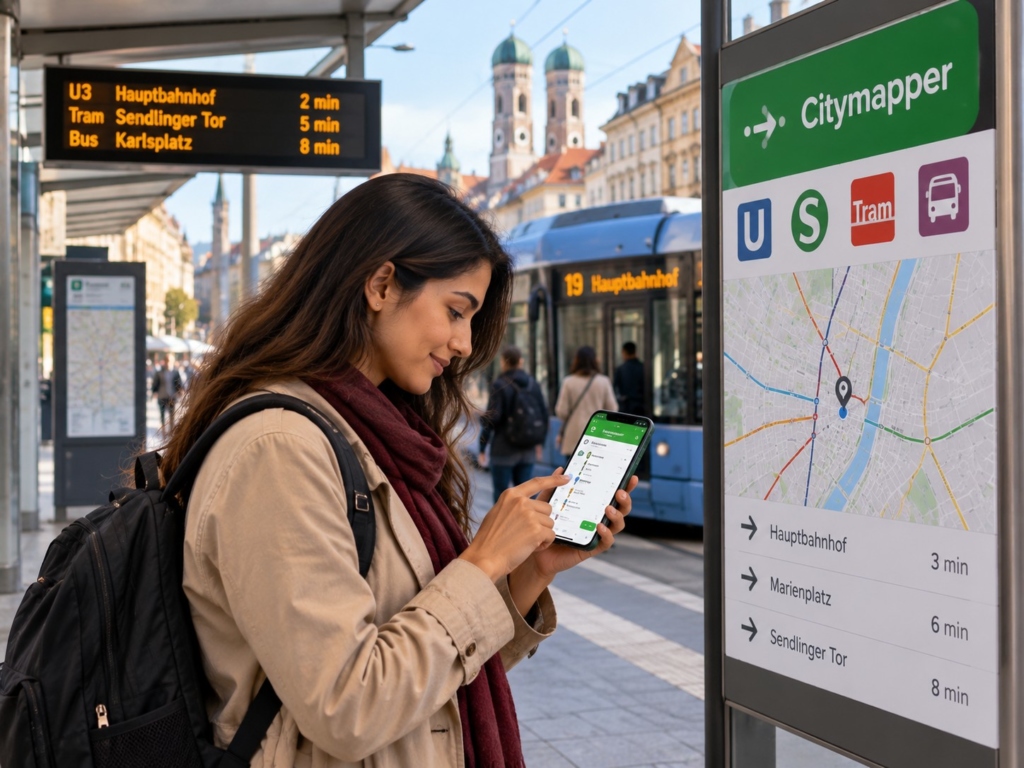
Google Maps is useful for general navigation. Citymapper can be particularly helpful when you depend heavily on public transport.
The app focuses on urban transport and can simplify complicated combinations of metros, buses, trams and walking routes.
This can be useful in large European cities where several transport networks operate together.
As per Thrillophilia’s on-ground team, switching to Citymapper in major cities and falling back on Google Maps outside supported urban areas is one of the more reliable ways to navigate a multi-city Europe trip.
However, coverage varies by city. Check whether Citymapper supports your destinations before relying on it.
Omio for Trains, Buses and Flights

Europe’s transport network is extensive, but comparing different options can become confusing.
Omio lets travellers compare and book trains, buses, flights and ferries through one platform. It also provides mobile tickets and journey updates.
This can be useful when your itinerary covers several countries, and especially when you’re comparing transport options across multiple cities on an Europe group tour package, where transfers between destinations are frequent.
For example, you might compare train and bus options between two European cities without opening several transport websites.
However, always check the transport operator’s own website when you need detailed information about cancellations, platform changes, reservation rules or service disruptions.
Your booking app should supplement official transport information, not replace it.
Google Translate for Language Problems
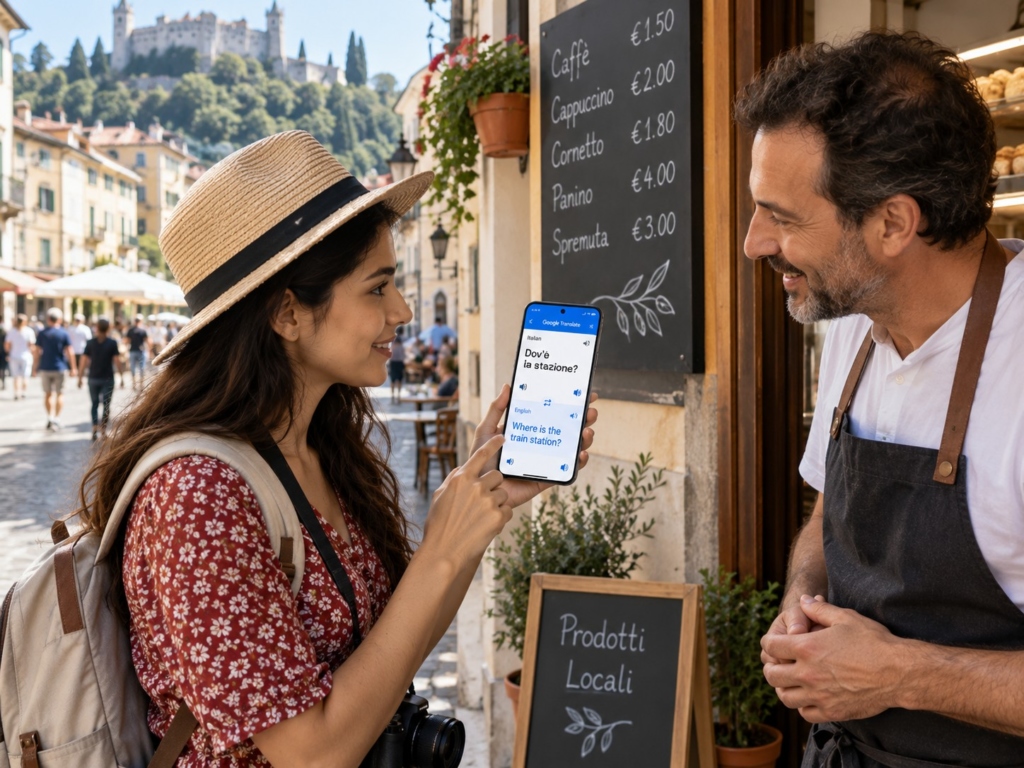
You do not need to speak every European language to travel comfortably.
But translation apps can help when you encounter menus, signs, ticket machines or conversations in unfamiliar languages.
Google Translate is particularly useful because you can use your camera to translate printed text. This can help with restaurant menus, road signs and transport information.
You can also download language packs for offline use.
This is worth doing before your trip. You may not have mobile data when you first arrive at an airport or railway station.
Save a few useful phrases and consider preparing translations for:
- Where is the railway station?
- Where is the nearest pharmacy?
- I have a reservation.
- Do you speak English?
- I need help.
- Vegetarian
- No dairy, no nuts
DeepL for More Detailed Translation
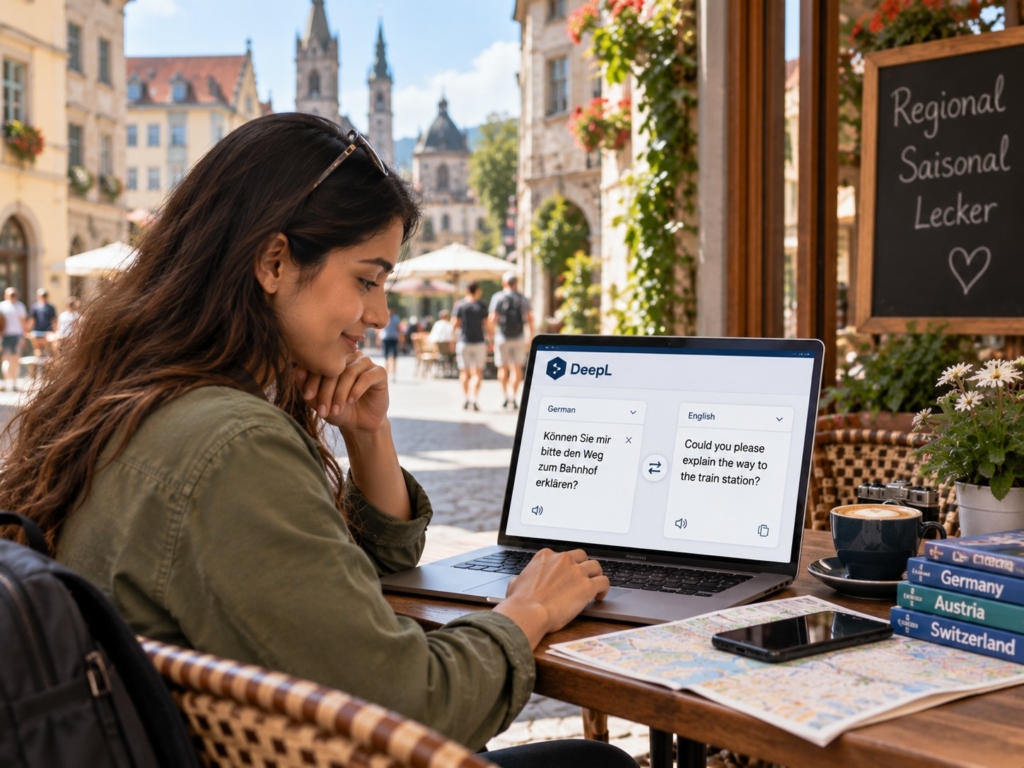
DeepL is another useful translation option. It can be particularly helpful when you need to translate longer messages or more complicated text. Recent travel guidance recommends DeepL alongside Google Translate, with Google Translate being particularly useful for quick camera translations.
For most travellers, Google Translate is enough. DeepL becomes useful if you frequently communicate through written messages or need more natural translations.
XE Currency for Currency Conversion

Europe does not have a single currency. The euro is used across much of the continent, but countries such as Switzerland, Norway, Sweden, Denmark and the United Kingdom use different currencies.
A currency app helps you understand what you are actually spending. XE Currency helps you quickly convert prices and compare exchange rates.
For an Indian traveller, this becomes especially helpful when you are comparing a €50 meal, a CHF 80 activity or a £100 hotel room with your expected spending in rupees.
Remember that the rate displayed by a currency app may not equal the final rate applied by your bank or card provider.
Your Airline’s Official App

Do not overlook your airline’s own app. It can give you access to mobile boarding passes, check-in, flight status, gate information, booking details, baggage information, and schedule updates
It becomes particularly useful during delays or gate changes. Add your booking to the app before travelling and enable notifications. It is also sensible to save your boarding pass offline or take a screenshot. You should not depend entirely on an internet connection at the airport.
Your Hotel or Booking App

If you book accommodation through an online travel platform, install its official app. Keeping your reservation details in one place makes it easier to access
It can save time when you arrive in an unfamiliar city, and this is particularly useful on a Europe family tour package, where multiple travellers’ bookings and documents need to stay organised in one place. You should also download important confirmation documents instead of relying only on the app. For visa applications and border checks, travellers may need documents supporting accommodation and other aspects of their journey, depending on their nationality and destination.
Travel Insurance App

If your travel insurer offers an official app, install it before departure. You may need access to your policy when dealing with an emergency or making a claim.
Keep the following information accessible:
- Policy number
- Emergency assistance number
- Coverage details
- Claim instructions
- Medical assistance information
- Policy documents
Also save a PDF copy of the policy on your phone. Do not rely exclusively on an app. Keep the emergency contact details separately in your phone and travel documents.
Google Drive or Another Cloud Storage App
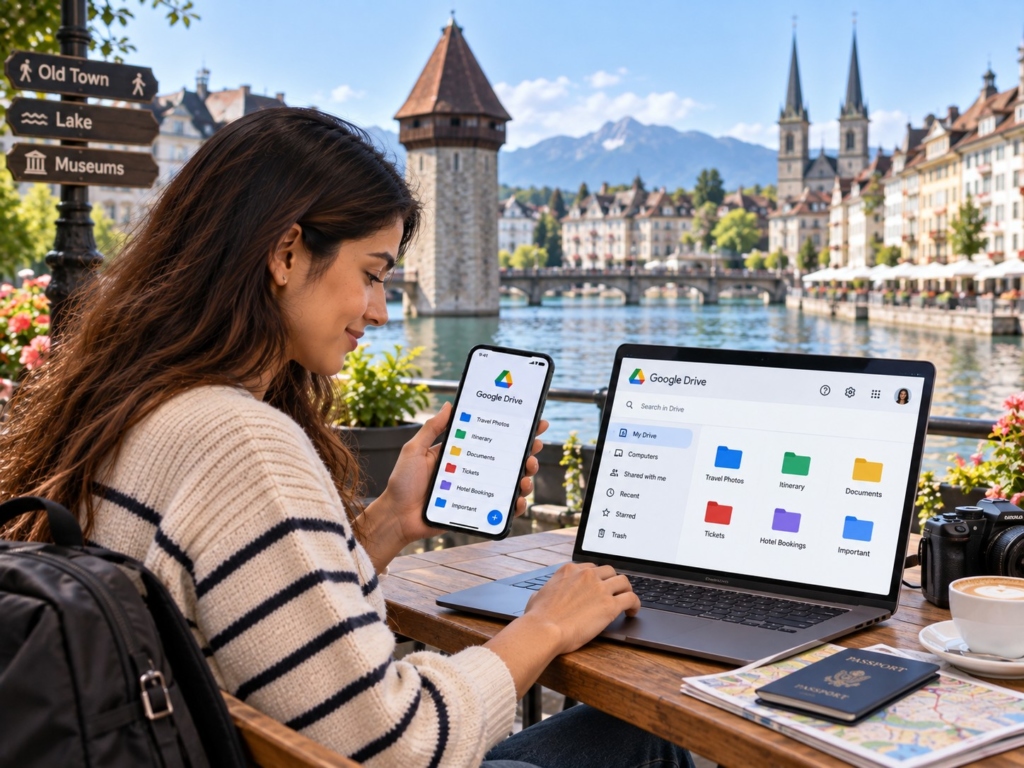
Your phone should have a secure place for your travel documents. You can use Google Drive, OneDrive, iCloud, or another trusted cloud storage service. Create one folder for the entire trip. You can include important things like a passport copy, visa documents, flight tickets, hotel confirmations, train tickets, travel insurance, tour package documents, emergency contacts, and important travel reservations
Make essential files available offline. Cloud storage is a backup. It should not replace your original passport or other physical documents.
Emergency Information and Safety
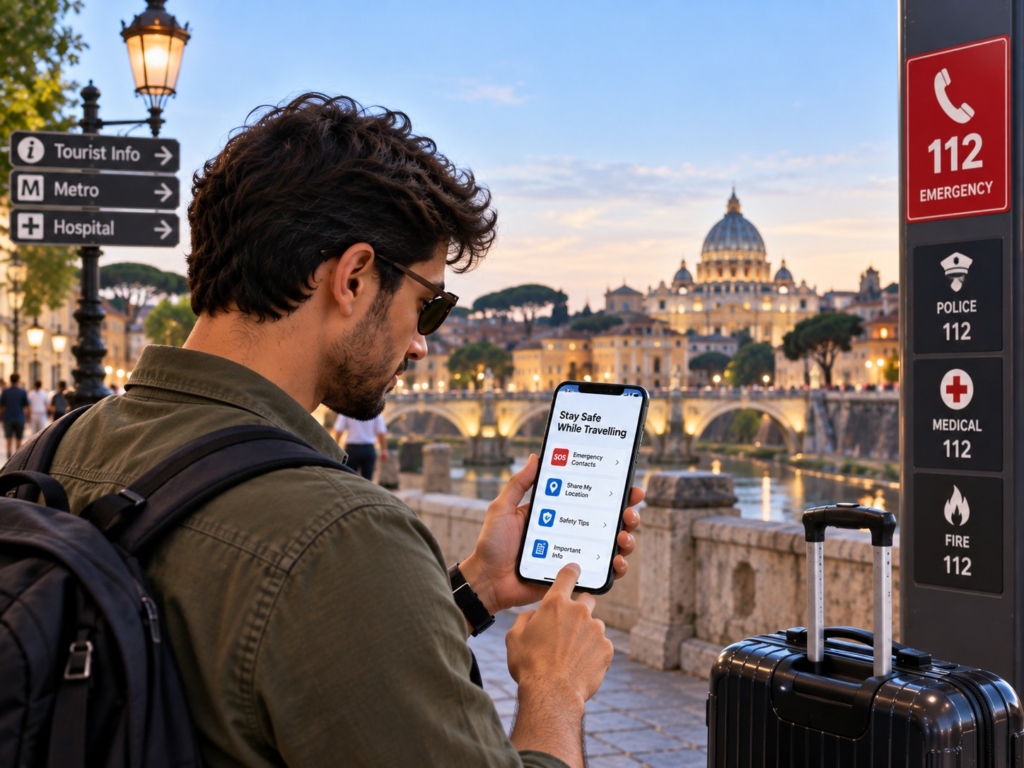
You do not necessarily need a dedicated emergency app. The more important step is knowing the relevant emergency number for the countries you visit.
Within the European Union, 112 is the single emergency number. It is free from fixed and mobile phones and connects callers with police, ambulance and fire services.
The European Commission also notes that 112 operates alongside national emergency numbers in EU countries. Some countries use 112 as their primary emergency number.
Europe extends beyond the EU, so do not assume that every European country follows identical emergency arrangements. Before travelling, save:
- Local emergency numbers
- Your country’s embassy or consulate details
- Your travel insurer’s emergency number
- Important hotel contacts
- Emergency contacts in India
As per Thrillophilia’s destination experts, saving these numbers before departure, rather than searching for them when you are standing at a European railway station with poor connectivity, is one of the most consistent pieces of advice given to travellers.
Frequently Asked Questions
Google Maps, Google Translate, a transport app such as Omio, your airline’s app and a currency app cover most basic needs. Add official public transport apps for cities where you will use buses, trams or metros frequently.
Some do. Download offline maps on Google Maps and language packs on Google Translate before departure. Train apps can also provide offline timetable information. However, live delays, traffic and some transport features require internet access.
Not necessarily. Apps such as Google Maps, Google Translate and Omio work across multiple European destinations. However, local transport apps can be more useful for city-specific tickets, routes and service updates.
Omio can help compare trains, buses and flights across different European countries. For important journeys, also check the official railway operator’s app for reservations, platform changes and disruptions.
Yes. Download essential apps, offline maps and language packs while you have reliable Wi-Fi. Also save tickets, hotel confirmations and important documents offline. This reduces your dependence on mobile data after arrival.